Ergotron LX Single Monitor Arm
Up to 34 in, flat or curved, 7–25 lb. Polished aluminum.
- Up to 34 in
- 7–25 lb
- Clamp or grommet
Our pick for a 34-inch ultrawide is the Ergotron LX: it supports flat or curved screens up to 34 inches and 7–25 lb. If your ultrawide is 32 inches or smaller and under 17.6 lb, the HUANUO arm costs less.
Ultrawides are wider and heavier than standard monitors, so most budget gas-spring arms aren’t rated for them. The Ergotron LX is rated for screens up to 34 inches and 25 lb, flat or curved. Check your monitor’s weight without its stand and its VESA pattern before you buy.
Based on OSHA · Ergotron · HUANUO
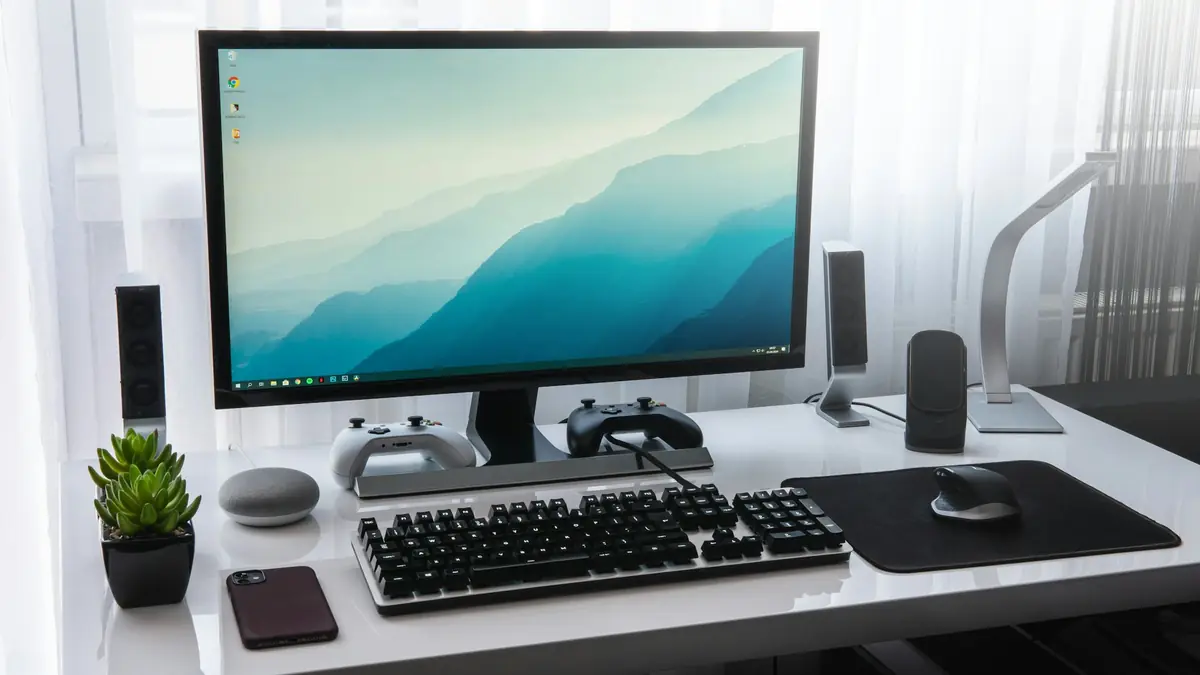
Up to 34 in, flat or curved, 7–25 lb. Polished aluminum.
13–32 in up to 17.6 lb, clamp or grommet.
We don't list prices because they change daily; Amazon shows the current price and stock when you click. We earn a commission on purchases, which never decides a pick. How we choose.
Swipe the table sideways to see both →
| Spec | Best for 34-inch ultrawidesErgotron LX Single Monitor Arm | For 32 inches and underHUANUO Single Monitor Arm |
|---|---|---|
| Screen size | Up to 34 in | 13–32 in |
| Weight range | 7–25 lb | Up to 17.6 lb |
| VESA | 75 / 100 mm | 75 / 100 mm |
| Mount | Clamp or grommet | Clamp or grommet |
| Mechanism | Constant-force | Gas spring |
| Best for | Heavy & ultrawide | Most monitors |
| Price & stock | Check price | Check price |
The LX is the arm in our guide rated for 34-inch flat or curved screens, with a weight range of 7–25 lb that covers most 34-inch ultrawides without their stands.
Its constant-force mechanism holds a wide, heavy screen steadily, and the long reach helps you push the screen to a comfortable distance. Check that your desk can take the clamp and that the monitor has VESA 75 or 100 mm holes.
If your “ultrawide” is actually a 29- or 32-inch model, or a wide 32-inch standard monitor, the HUANUO covers it for less, as long as it weighs 17.6 lb or less without its stand.
Don’t push past its limits: an overloaded gas-spring arm sags and won’t hold its height.
Find three numbers before you buy: screen size, weight without the stand, and VESA hole spacing. They’re on the spec sheet or a sticker on the back.
Arms list a weight range. Use the panel weight without its stand, not the boxed weight.
Ergotron LX is rated up to 34 in; HUANUO up to 32 in.
Both need 75×75 or 100×100 mm holes. Some ultrawides need an adapter plate.
Wide, heavy screens put more leverage on the clamp; use a solid desk and check for lips or crossbars.
Only if it is rated for both the size and the weight. The Ergotron LX is rated for up to 34 inches and 25 lb.
Only for screens up to 32 inches and 17.6 lb. It isn’t rated for 34-inch ultrawides.
They exceed the arms in this guide. Look for a heavy-duty arm rated for the size and weight.
OSHA recommends the top of the screen at or slightly below eye level, about an arm’s length away.
We compared manufacturer weight, size and VESA ratings and OSHA’s workstation guidance, as of October 2026.
We have not hands-on tested these products; we compare published specifications, independent measurements and manufacturer documentation, and we update this page when models change. Read the full methodology.