HUANUO Single Monitor Arm
Gas-spring arm for 13–32-inch screens up to 17.6 lb, with clamp and grommet mounts.
- 13–32 in
- Up to 17.6 lb
- Clamp + grommet
Best monitor arm: HUANUO Single Monitor Arm. Why it wins: Gas-spring arm for 13–32-inch screens up to 17.6 lb, with clamp and grommet mounts. Also see best budget: Amazon Basics Gas Spring Single Monitor Arm; best premium: Ergotron LX Single Monitor Arm.
For most desks the HUANUO single monitor arm is the value pick: gas-spring adjustment for 13–32-inch screens, clamp and grommet mounts. The Amazon Basics gas-spring arm is the budget choice for screens up to 27 inches. For heavier or ultrawide monitors up to 34 inches, the Ergotron LX is the premium standard.
Based on OSHA · Ergotron · HUANUO
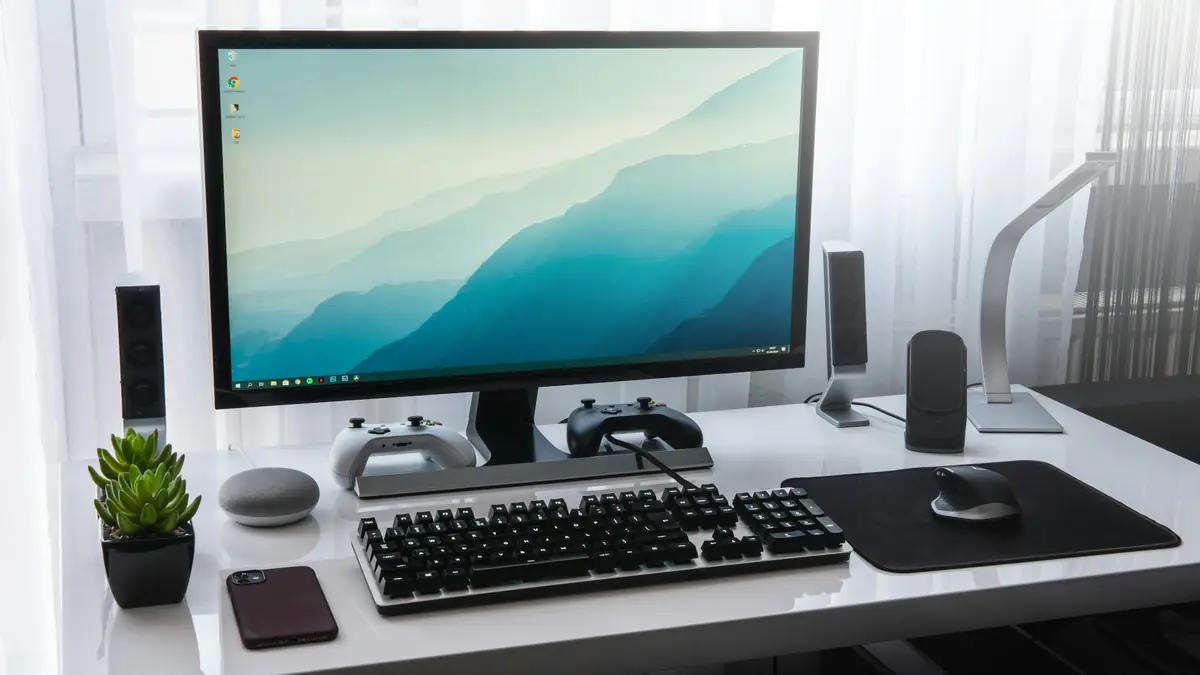
Gas-spring arm for 13–32-inch screens up to 17.6 lb, with clamp and grommet mounts.
Simple, adjustable arm for 15–27-inch monitors weighing 4.4–15.4 lb.
The polished-aluminum standard for heavy and ultrawide screens up to 34 inches.
We don't list prices because they change daily; Amazon shows the current price and stock when you click. We earn a commission on purchases, which never decides a pick. How we choose.
Swipe the table sideways to see all three →
| Spec | Best overallHUANUO Single Monitor Arm | Best budgetAmazon Basics Gas Spring Single Monitor Arm | Best premiumErgotron LX Single Monitor Arm |
|---|---|---|---|
| Screen size | 13–32 in | 15–27 in | Up to 34 in |
| Weight range | Up to 17.6 lb | 4.4–15.4 lb | 7–25 lb |
| VESA | 75 / 100 mm | 75 / 100 mm | 75 / 100 mm |
| Mount | Clamp or grommet | Clamp | Clamp or grommet |
| Mechanism | Gas spring | Gas spring | Constant-force |
| Best for | Most monitors | Lighter screens | Heavy & ultrawide |
| Price & stock | Check price | Check price | Check price |
A monitor arm puts the top of the screen at or slightly below eye level and frees desk space. HUANUO’s arm covers the most common monitor sizes and weights with smooth gas-spring adjustment.
Check that your monitor has VESA 75 or 100 mm holes and falls in the weight range; that’s the most common reason arms sag or won’t stay put.
For a typical 24- or 27-inch office monitor, the Amazon Basics arm does the core job: raise, lower, tilt and swivel, with adjustable tension.
Its weight and size limits are lower, so check your monitor’s weight without its stand.
Ergotron’s LX has been a reference monitor arm for years because it holds heavier screens steadily and adjusts smoothly. It supports curved and ultrawide monitors up to 34 inches and 25 lb.
It costs more than gas-spring clones, and its minimum weight is higher, so it’s not ideal for very light screens.
Arms have minimum and maximum weights. Too light and it drifts up; too heavy and it sags.
Most monitors use 75 or 100 mm patterns. Some need an adapter.
Clamps need a solid edge; glass desks and thin lips need reinforcement.
Top of the screen at or slightly below eye level, about an arm’s length away.
Most clamp to desks up to about 3–4 inches thick with a solid edge. Check the clamp range and use a reinforcement plate on thin tops.
Look for a VESA adapter bracket made for your model or a clamp-style adapter.
They make it easy to put the screen at the right height and distance, which helps neck strain.
Buy a dual arm if you use two monitors; two singles also work.
Yes if within the weight and size rating. Ultrawides are heavy and need a stronger arm like the Ergotron LX.
We compared supported screen sizes, weight ranges, VESA patterns, mount types and adjustment mechanisms from manufacturer specifications, and OSHA ergonomic guidance for monitor placement.
We have not hands-on tested these products; we compare published specifications, independent measurements and manufacturer documentation, and we update this page when models change. Read the full methodology.