Logitech Brio 500
1080p with auto light correction, auto-framing and a privacy cover.
- 1080p
- Auto light correction
- Privacy shutter
Best webcam: Logitech Brio 500. Why it wins: 1080p with auto light correction, auto-framing and a privacy cover. Also see best budget: Logitech C920x HD Pro; best premium: Insta360 Link 2.
Our pick is the Logitech Brio 500: sharp 1080p, automatic light correction that fixes dim rooms, and a built-in privacy shutter. The Logitech C920x is the dependable budget pick. For a 4K camera that follows you around the room, the Insta360 Link 2 is the premium choice.
Based on Logitech · Logitech Support · Insta360
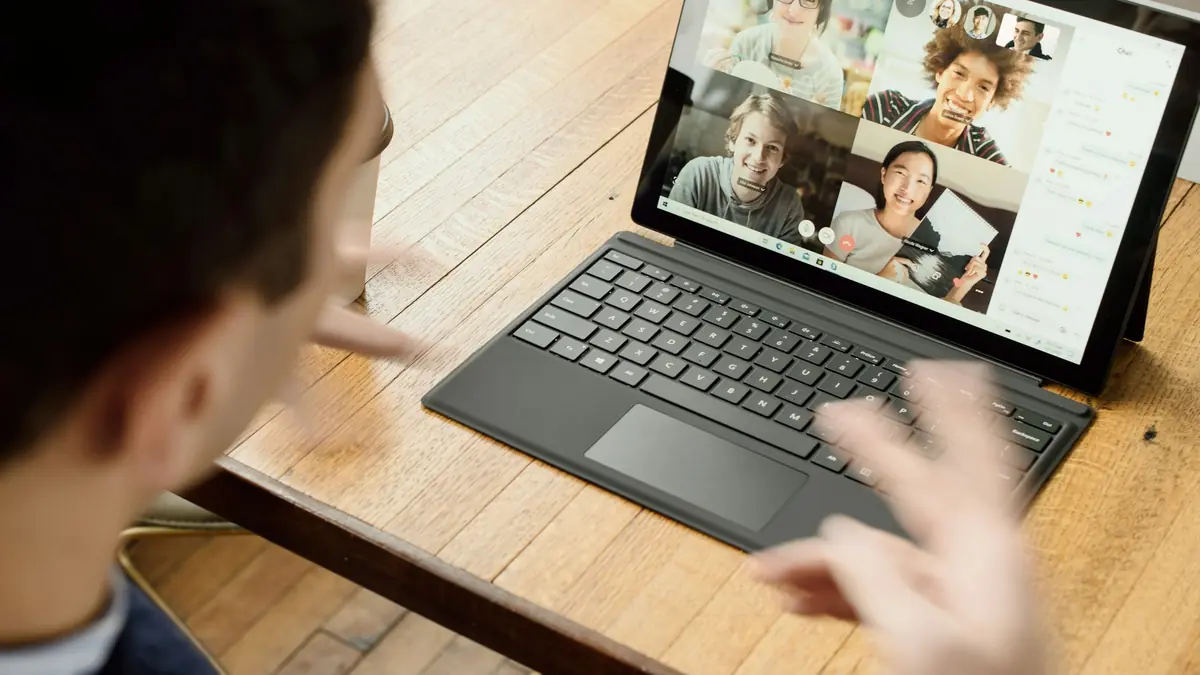
1080p with auto light correction, auto-framing and a privacy cover.
The long-running 1080p workhorse, dramatically better than most laptop cameras.
4K with a large 1/2-inch sensor and a gimbal that tracks you as you move.
We don't list prices because they change daily; Amazon shows the current price and stock when you click. We earn a commission on purchases, which never decides a pick. How we choose.
Swipe the table sideways to see all three →
| Spec | Best overallLogitech Brio 500 | Best budgetLogitech C920x HD Pro | Best premiumInsta360 Link 2 |
|---|---|---|---|
| Resolution | 1080p | 1080p/30 | 4K |
| Sensor | Standard | Standard | Large 1/2-inch |
| Low light | RightLight 4 auto correction | Basic auto | HDR |
| Tracking | Auto-framing | No | PTZ gimbal + AI tracking |
| Privacy | Built-in shutter | Clip-on cover (some bundles) | Privacy mode |
| Best for | Most remote workers | Budget upgrades | Presenters & creators |
| Price & stock | Check price | Check price | Check price |
Most people look bad on calls because of lighting, not resolution. The Brio 500’s light correction brightens dim rooms and tames backlight, which matters more than 4K for video calls.
Auto-framing keeps you centered, Show Mode tilts down to show a desk or document, and the shutter and USB-C cable are practical touches.
The C920 family has been a default webcam for years: sharp 1080p at 30fps, decent stereo mics and a clip that fits almost any monitor.
It handles good lighting well but struggles in dim rooms more than the Brio 500. Add a small light and it punches above its price.
The Link 2 uses a 1/2-inch sensor, much larger than typical webcams, which helps in low light and gives a more natural look. Its pan-tilt gimbal follows you, and gesture controls handle zoom and framing.
For simple desk calls it’s overkill; for teaching, whiteboards and streaming it’s a real upgrade.
Most video apps send 720p–1080p anyway. Light correction and sensor size matter more than 4K.
Mount at eye level, with light in front of you, not behind.
Webcam mics are OK; a headset or USB mic is better for long calls.
A built-in shutter is the simplest privacy guarantee.
Rarely for calls; most apps compress video. 4K helps for recording, cropping and bigger sensors in low light.
External webcams are usually much sharper, handle light better and can sit at eye level on a monitor.
These models are standard USB video devices and work with macOS, Windows and ChromeOS. Some app features need Windows or macOS.
A small LED panel or window light in front of you improves any webcam more than any setting.
Use what your computer has; adapters work fine for webcams.
We compared resolution, sensor size, low-light processing, tracking, privacy and connectivity from manufacturer specifications.
We have not hands-on tested these products; we compare published specifications, independent measurements and manufacturer documentation, and we update this page when models change. Read the full methodology.